
This information is taken from MRTQ PDN ~
The Recommendations Are a Tool
After you complete your program’s Rising Stars for ME application, you will be brought to a page listing your program’s current Star rating at each Standard, along with the requirements needed to reach the next Star. You should review these before clicking to the final page of the application where you will sign and submit your information.
Once you submit your application and receive your Star rating, you can then log back in to your Rising Stars for ME application to review the Recommendations at any time. Your Recommendations can guide quality improvement investments or additions to your program’s Continuous Quality Improvement (CQI) plan.
Find Your Recommendations
First, log in to https://risingstarsforme.org using your Maine Roads to Quality Registry login and password and your program’s license number.
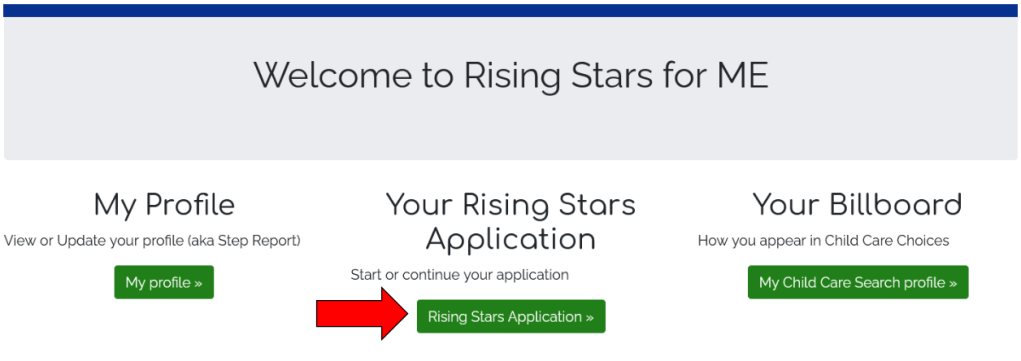
Next, click on Your Rising Stars Application:
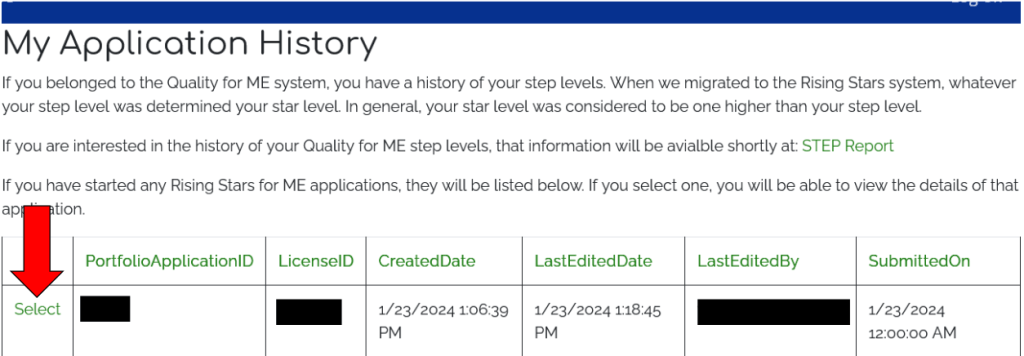
Click on the more recent application to see your current Recommendations:
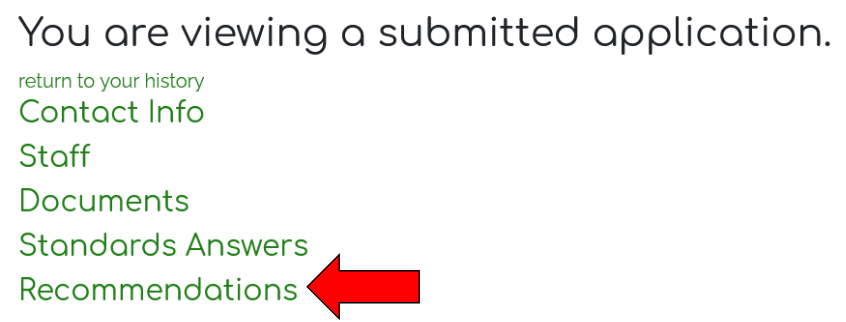
The next page will show all of the information included in your most recent application. Click on Recommendations:
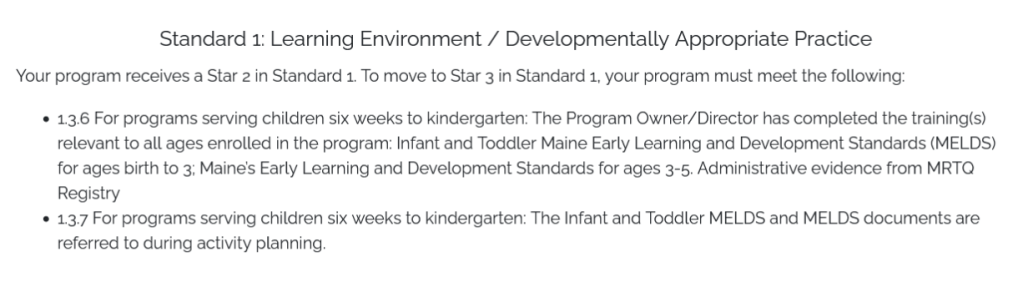
The page will drop down with your program’s Recommendations by Standard. This means that if your program has achieved Star 2 in Standard 1: Learning Environment and Developmentally Appropriate Practice, the Recommendations will show requirements needed to reach Star 3. If your program has achieved Star 3 in Standard 2: Program Evaluation, the Recommendations will show requirements needed to reach Star 4.
Below is a sample of Recommendations for Standard 1:
For additional resources on the Rising Stars for ME application or Standards, please visit the Office of Child and Family Service’s Rising Stars for ME website or email risingstarsforme@maine.edu.
 fccamaine.com